

Welcome to Levaplus
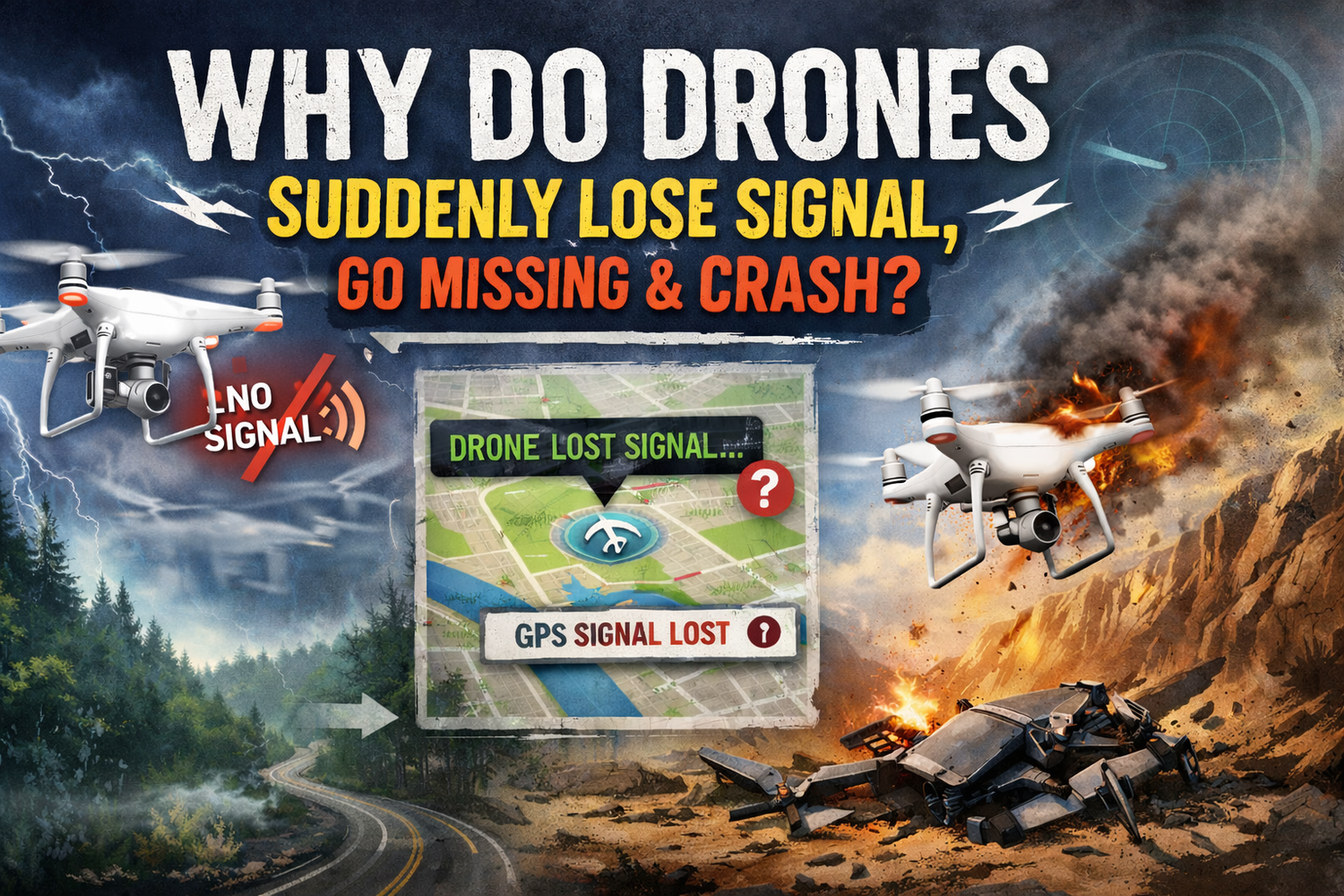
We often hear about the drone suddenly lose signal, go missing and crashed. —is a distressing and common problem. It usually results from a combination of factors rather than a single cause. We can analyze it in detail from three perspectives: technical, environmental, and human.
-
Technical Factors (Drone and Remote Controller Itself)
-
Signal Interference (One of the Most Common Causes)
· Radio Frequency Interference: Strong radio signal sources in the flight area, such as large cell towers, high-voltage power lines, broadcast towers, or military zones, can “drown out” the remote control and video transmission signals.
· Wi-Fi/Bluetooth Interference: In densely populated urban areas, numerous 2.4GHz Wi-Fi signals can conflict with the frequency bands used by the drone, leading to unstable or interrupted signals. -
Hardware Malfunction or Anomalies
· Incorrect Remote Controller Antenna Orientation: The antenna plane is not pointed toward the drone (the signal is weakest when the antenna tip is pointed directly at the drone). -
Design or Policy Limitations
· Triggering “Auto Return-to-Home”: After signal loss, the drone will execute a “Failsafe RTH” behavior. If there are obstacles (trees, buildings) along the return path, or if the return altitude is set too low, the drone may collide during its return.
· Limits of “Maximum Communication Distance” and “Maximum Flight Altitude”: At the edges of the maximum range or altitude, the signal is inherently weak, and any slight interference can cause interruption. -
Design or Policy Limitations
· Triggering “Auto Return-to-Home”: After signal loss, the drone will execute a “Failsafe RTH” behavior. If there are obstacles (trees, buildings) along the return path, or if the return altitude is set too low, the drone may collide during its return.
· Limits of “Maximum Communication Distance” and “Maximum Flight Altitude”: At the edges of the maximum range or altitude, the signal is inherently weak, and any slight interference can cause interruption.
· Electromagnetic Interference: Large steel structures, bridges, or power plants can generate complex electromagnetic fields that interfere with the drone’s compass and communication systems.
· Not Checking the Device Status List: Ignoring calibration prompts, strong interference warnings, etc. -
Poor Judgment During Flight
· Overconfidence, Flying Beyond Visual Line of Sight (BVLOS): Flying where the drone is completely out of sight, leaving no room for manual intervention if signal is lost.
· Ignoring App Warning Messages: Not adjusting the drone’s position or altitude promptly when warnings like “Weak Image Transmission Signal,” “Weak Remote Controller Signal,” or “Strong Interference” appear.
· Flying Near No-Fly Zones or Restricted Areas: These areas may have active signal jamming equipment.
-
What to Do When the Signal Is Suddenly Lost?
-
Stay calm and do not immediately move the remote controller.
-
Observe the remote controller status: Signal loss is often temporary, and the drone may reconnect shortly.
-
Understand the Failsafe RTH Logic: After signal loss (about 3 seconds), DJI drones default to “Failsafe Return-to-Home”: first climb to the preset RTH altitude, then fly straight back to the Home Point, and finally land.


-
Wait patiently: In an open area, give the drone time to execute the RTH procedure and attempt to reconnect.
-
If the connection is not restored for an extended period: Check the flight record (using the “Find My Drone” feature) and search based on the last recorded location and trajectory.
How to Minimize the Risk of This Happening? -
Before Flight:
· Check for no-fly zones on the DJI Fly Safe website or app.
· Survey the environment physically, noting potential obstructions and signal sources.
· Always set a reasonable RTH altitude (higher than the tallest obstacle nearby).
· Wait for the GPS satellite count to turn white (usually >10 satellites) and hear the “Home point has been updated” prompt.
· Check antennas and ensure the drone and remote controller batteries are fully charged. -
During Flight:
· Maintain visual contact at all times, and avoid flying the drone behind obstacles whenever possible.
· Continuously monitor signal strength and app warnings. When signal bars turn red, promptly adjust the drone’s position/altitude or reorient the remote controller’s antenna.
· In complex environments like cities or mountains, proactively increase flight altitude (within legal limits) for a clearer signal path.
· Use “Sport Mode” cautiously, as obstacle avoidance is disabled and the drone responds more aggressively. -
Routine Maintenance:
· Update firmware promptly, but consider community feedback before updating.
· Regularly inspect equipment, avoiding damaged antennas or remote controllers.
Summary: “Sudden signal loss leading to a crash” is often caused by a combination of physical obstruction, strong radio interference, and improper RTH settings. The most critical preventive measures are: understanding the environment, setting the correct RTH altitude, maintaining in visual, and constantly monitoring the drone’s status.